The views contained in this video are those of its author and do not necessarily reflect those of Cache Valley Mesh.
What this video covers
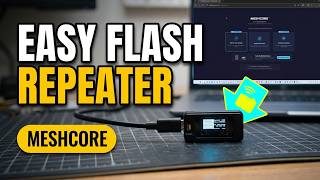
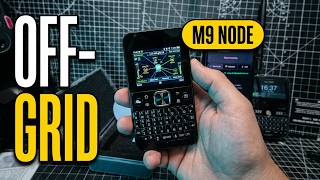
M0FXB loads MeshCore onto a Seeed Studio SenseCAP tracker, a credit card sized 868 MHz device with GPS and Bluetooth. Before starting, he briefly shows other devices on his desk, including a LilyGo T-Deck (opens in a new tab), a Heltec V3 (opens in a new tab) running MeshCore, and a new ThinkNode M9 he plans to unbox.
Using the MeshCore configurator in a browser, he picks the companion Bluetooth role, puts the tracker into flash mode over USB, and installs the firmware. He then pairs it with the MeshCore phone app, names it, chooses the EU/UK narrow preset, and sends a test message between two of his devices. He also looks at the map, adds a contact, and creates a private channel that can be shared by QR code.
Summary by Cache Valley Mesh.
Watch on YouTube (opens in a new tab) About MeshCore