The views contained in this video are those of its author and do not necessarily reflect those of Cache Valley Mesh.
What this video covers
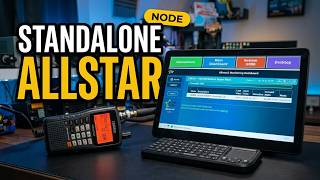
M0FXB gives a short explanation of how AllStar nodes, repeaters, and gateways connect by number, then installs his AllStar control panel on a DV Mega ASL3 node. He logs into the node's web page, opens the terminal, and runs a single wget command from his GitHub page to add the panel alongside the node's other dashboards.
Summary by Cache Valley Mesh.
Watch on YouTube (opens in a new tab) About AllStar